
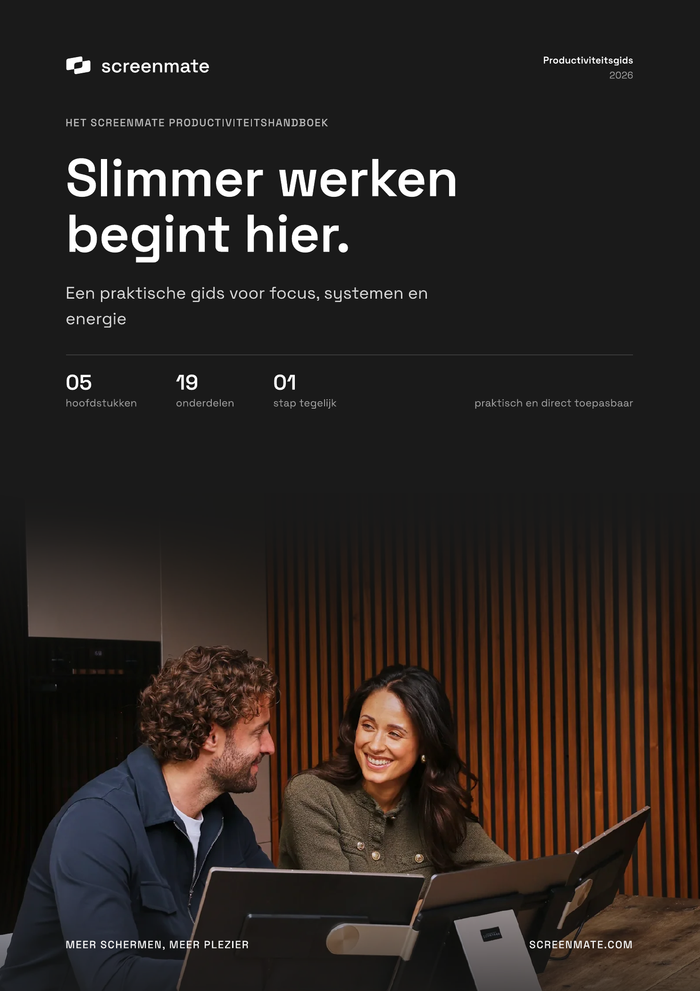
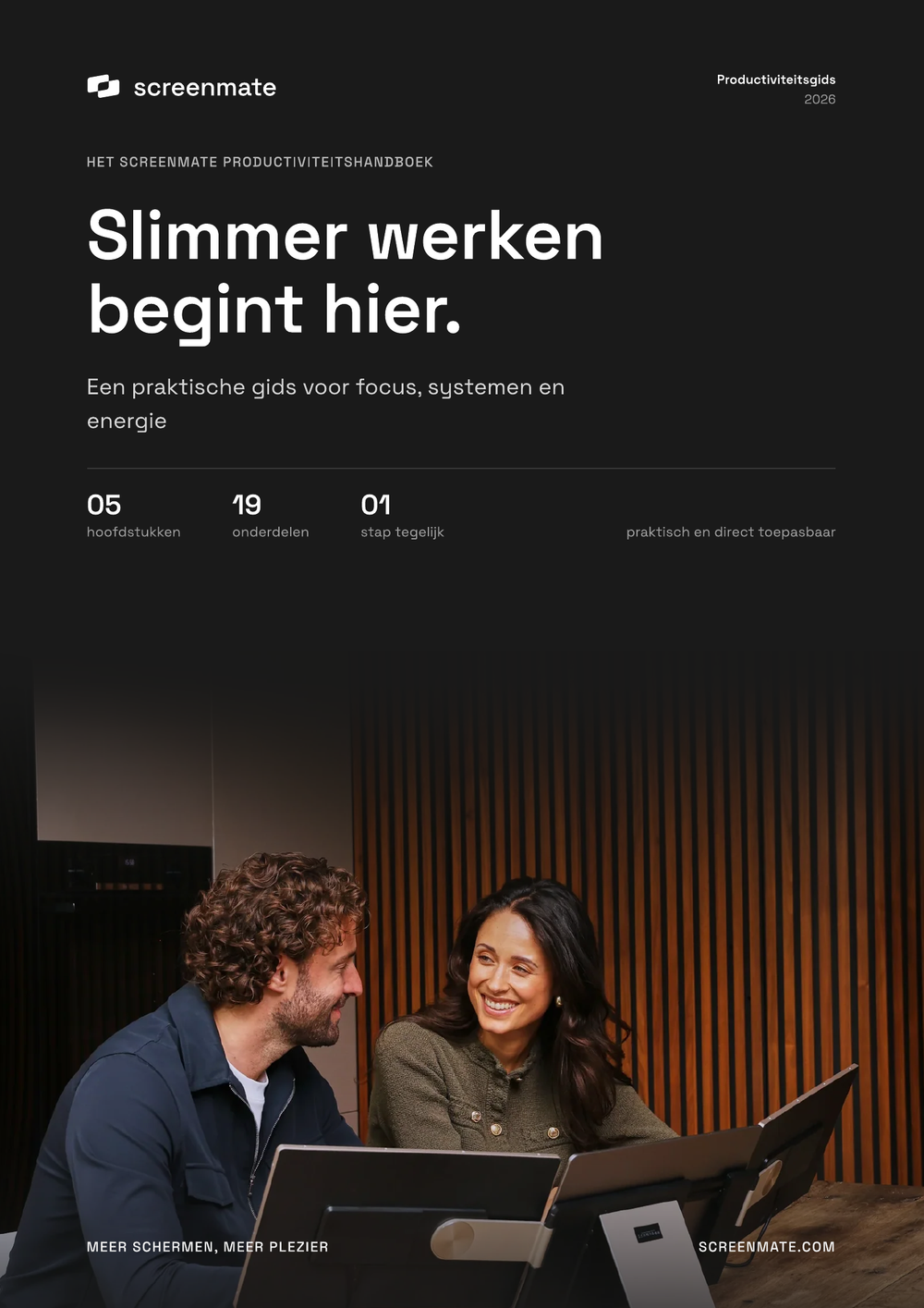
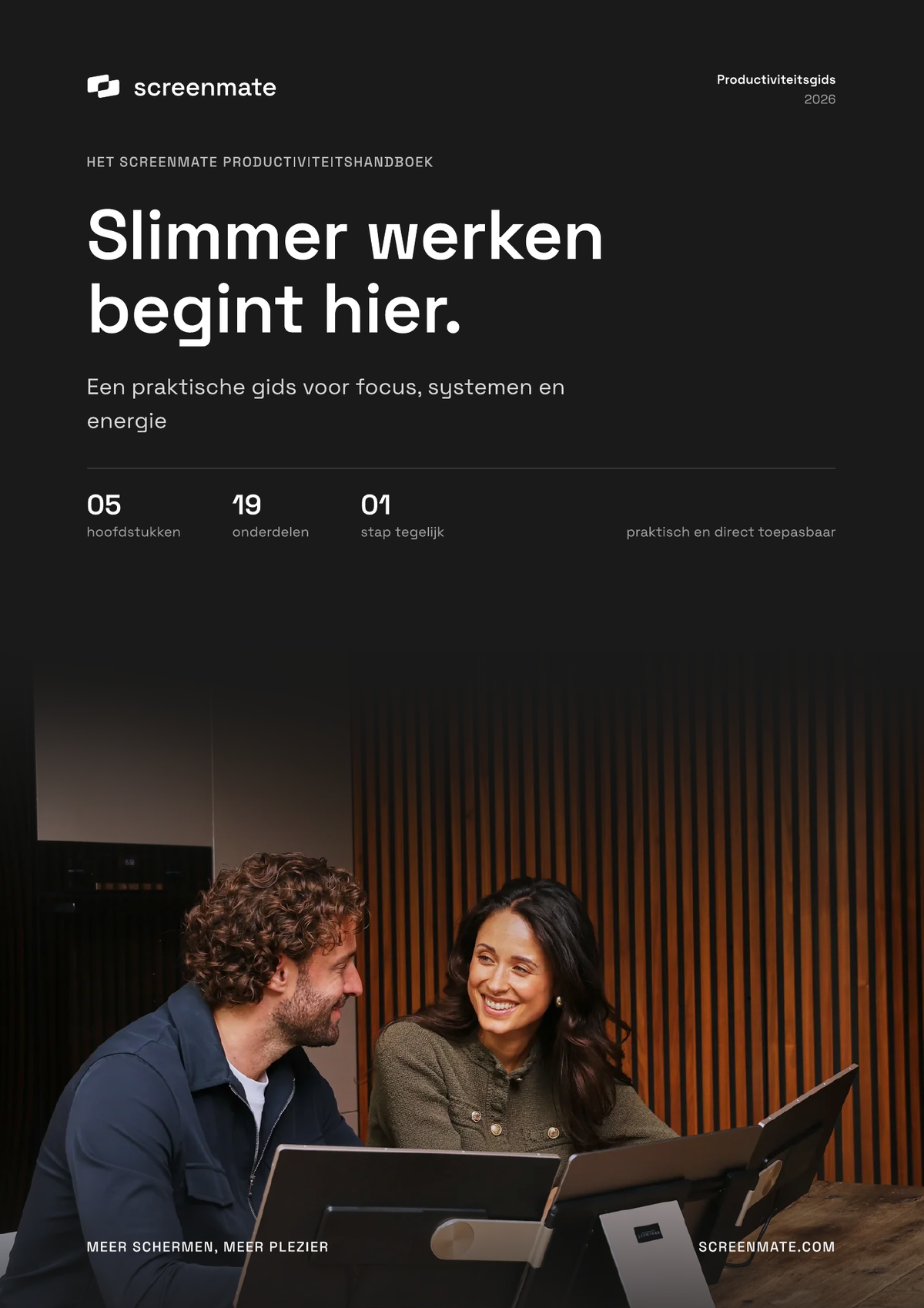
Working smarter starts here
A practical productivity guide on focus, systems, energy, and a workspace that works for you.
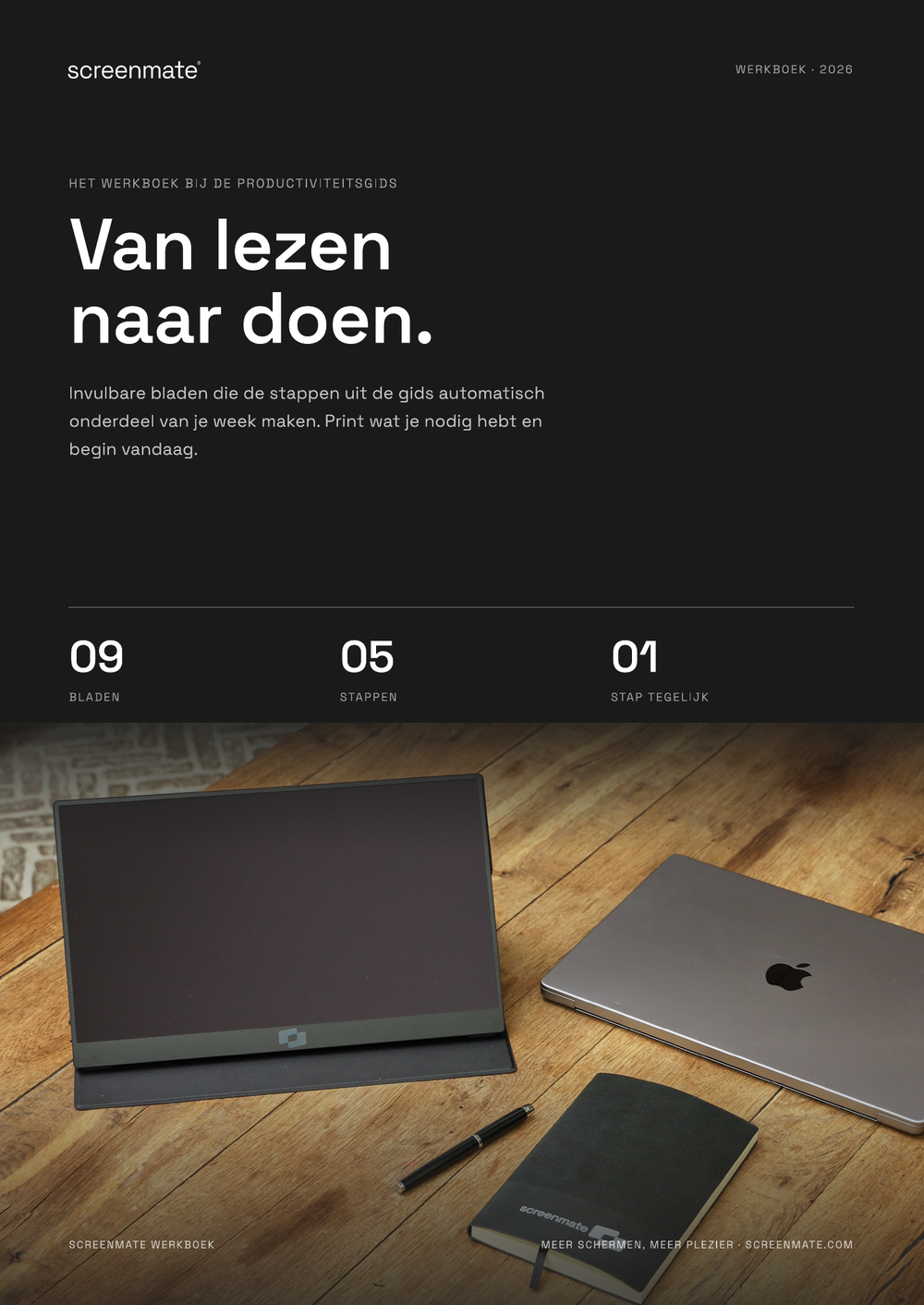
E-book · digital fillable workbook · 2 cheat sheets

Screenmate® · Digital E-book Bundle
Work smarter, not harder. This comprehensive Screenmate bundle helps you work with greater focus, clarity, and energy—without complicated methods or expensive apps.
You'll receive a practical e-book on productivity, a digital workbook you can fill out, and two keyboard shortcut cards for Windows and macOS. Read one section, choose one step, and make it part of your workweek right away.
Once payment is received, you will immediately receive a download link via email.
4 filesGuide, workbook, and 2 cheat sheets
Practical StructureStill applicable today
For Windows and macOSBoth cheat sheets included
FROM PRESSURE TO CLARITY
No list of twenty new habits. Instead, a clear system that you build up step by step, at a pace you can maintain.
“You don’t rise to the level of your goals. You sink to the level of your systems.”
ALL-IN-ONE DOWNLOAD
Four files that together form a single practical system: understand, fill out, and complete tasks faster.
A practical productivity guide on focus, systems, energy, and a workspace that works for you.
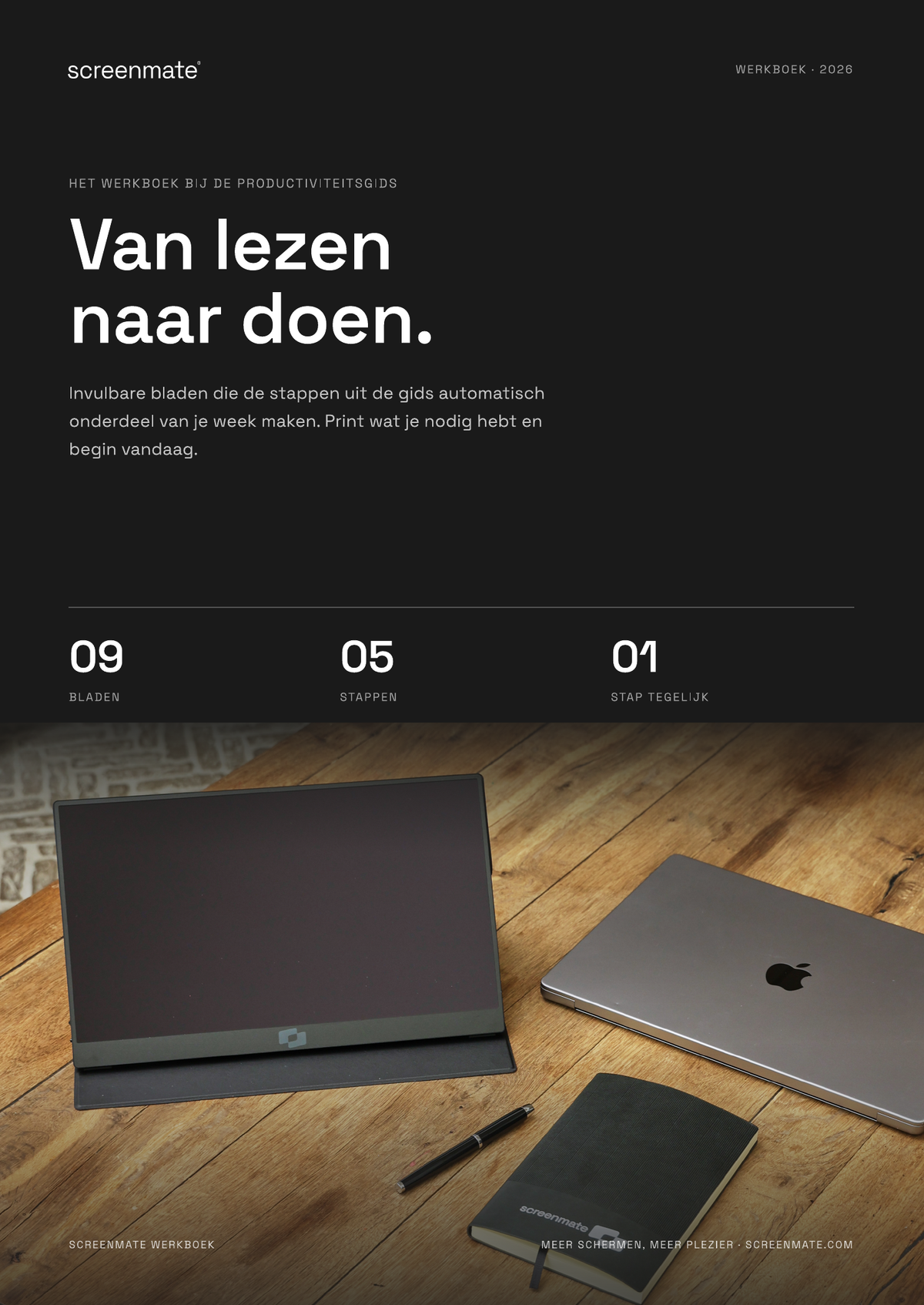
Make the five steps immediately actionable with planners, reflections, routines, and a habit tracker.
The most useful combinations are clearly organized in one place, so you can navigate faster and click less.
From copy and paste to screen sharing: the most important Windows keyboard shortcuts in one overview.
SHORT TABLE OF CONTENTS
The guide starts with your surroundings and ends with the digital habits that free up time every day.
Design for focus, get a better overview with more screen space, and work smart from anywhere.
Deep work, managing distractions, the myth of multitasking, and practical time blocking.
A simple task management system, the 2-minute rule, weekly planning, and smart task grouping.
Habits that stick, better breaks, and routines that support your workday.
Keep your inbox under control, and use small automations and tools without falling into the "tool trap."
FREQUENTLY ASKED QUESTIONS
Four PDF files: the productivity guide, the workbook, and two keyboard shortcut charts for Windows and macOS.
Immediately after payment, the download will appear, and you'll receive the same link via email.
Yes. The worksheets are designed in A4 format and can be printed individually.
No. Any modern computer, tablet, or phone can open PDF files.
START SMALL. START TODAY.
E-book + digital, fillable workbook + cheat sheets for Windows and macOS.