


Connect
Select the connection method supported by your laptop. Use the included cables for video and power. Make sure your laptop can handle two external displays at the same time.

This photo could not be loaded. Please try again.
Image 1 of 6
Portable monitor · 2 additional screens
Stay organized with two extra screens, and turn the left screen toward the person you're talking to. This makes it easy to switch between working on your own and discussing something together.
★★★★★4.7/5257 reviewsFree shipping · 50-day return policy
Select the connection method that your laptop supports from the options below.
Connect each monitor using its own USB-C cable. Both ports on your laptop must support video output and provide sufficient power. Your laptop must be able to drive two external monitors at the same time.
Use USB-C with video for one monitor. Connect the other via HDMI for video and USB-A for power. Your laptop must support both video paths at the same time.
The necessary connection cables and user manual are included.
Having two USB-C ports doesn't automatically mean you can use two external displays. Check your laptop's video support and the limit on the number of displays that can be used simultaneously. For MacBooks, this varies depending on the chip, model, and whether the laptop is open or closed. If you're unsure, please send us your exact laptop model.
Ask us to take a lookComplete your workspace with a bundle deal.
Please enter your email address. Our support team will contact you as soon as this screen is available again.
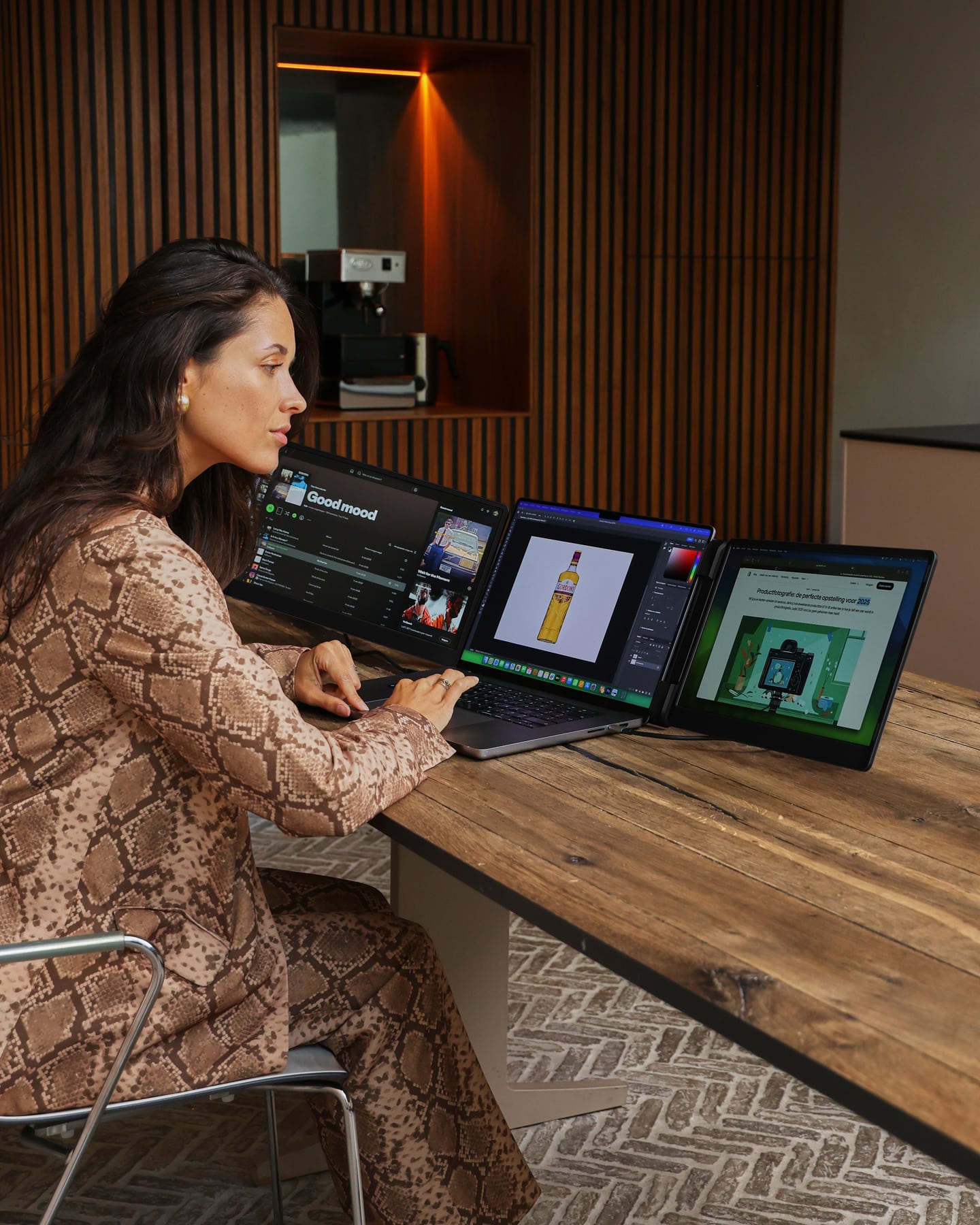
Designed for flexible work
Choose the viewing angle that suits your task and use the stand to ensure a stable setup. When you're done, fold the screens back together. This is convenient for anyone who works in different locations or gives presentations regularly.
Designed for Your Workday
The two 14-inch IPS screens let you view your documents, resources, and meeting notes side by side. The left screen tilts toward the other side of the table, so you can show your work without having to move your entire laptop.
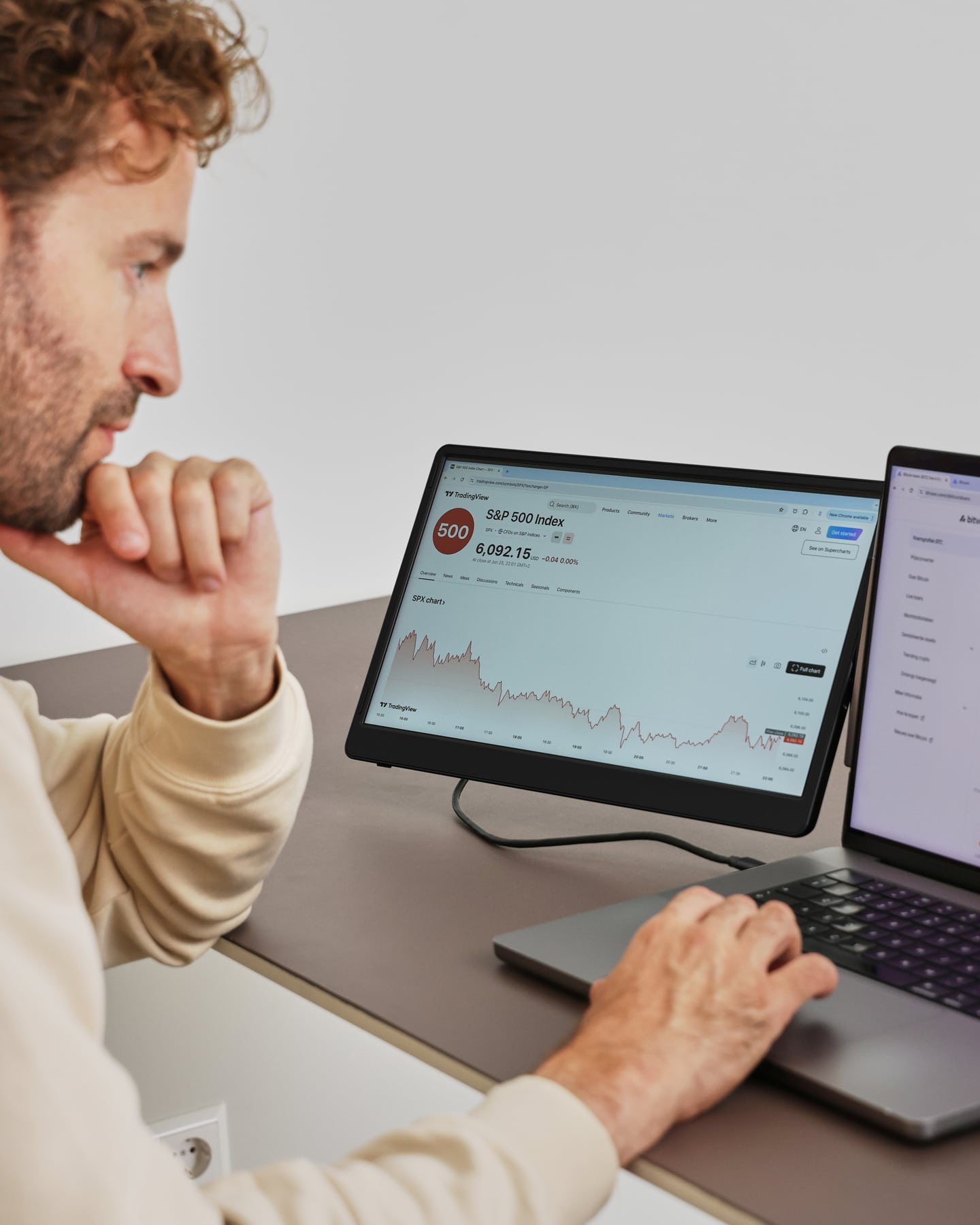
The Flip in Detail
Select the connection method supported by your laptop. Use the included cables for video and power. Make sure your laptop can handle two external displays at the same time.
Choose a comfortable viewing angle and position the stand so it’s stable. Tilt the screen when you want to share your work with someone.
In the display settings, select "Extend." Display your source, reference material, or schedule on an additional screen and continue working on your laptop.
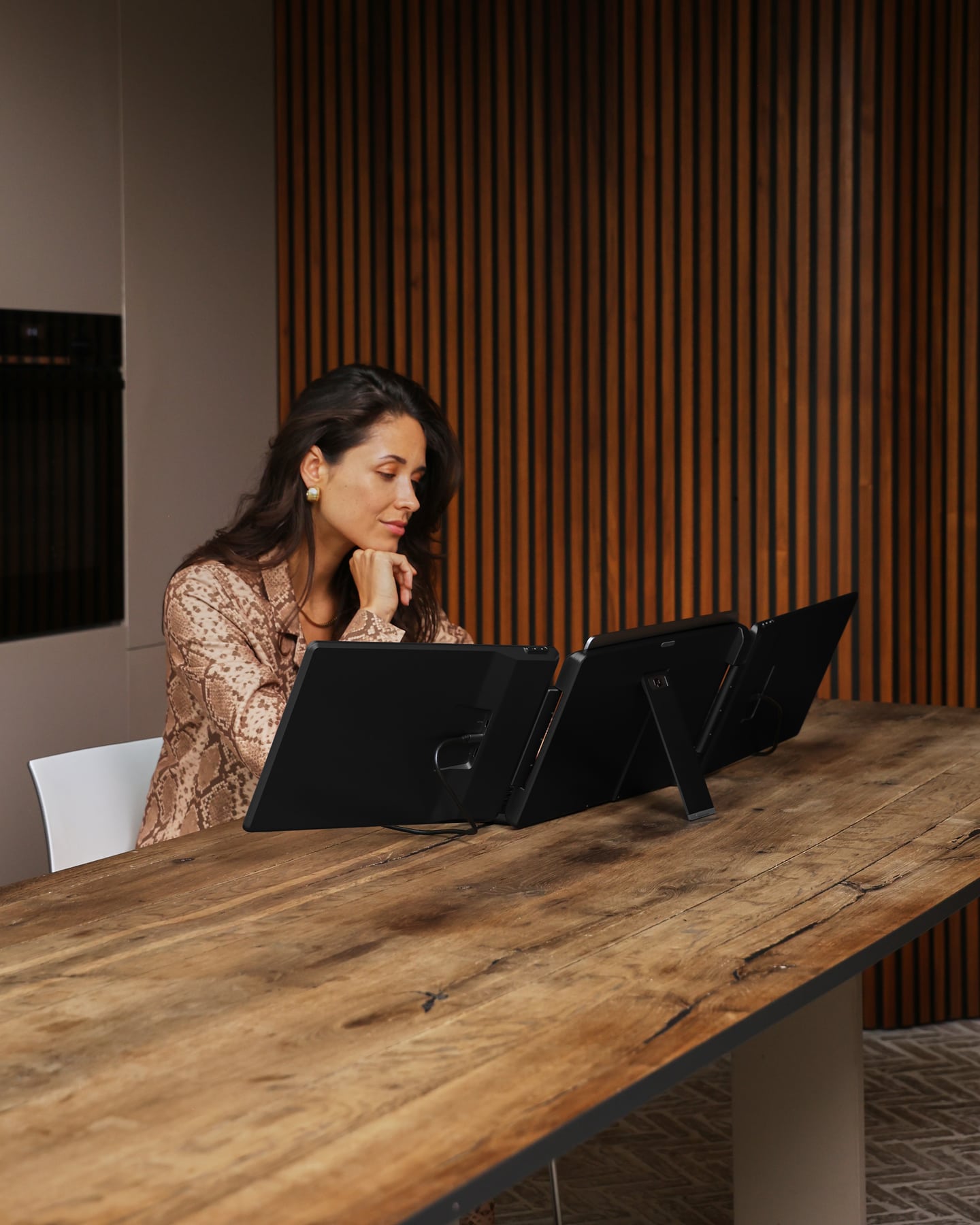
Screenmate Flip 14″
Customer Reviews of the Screenmate Flip
Questions Before Purchasing
Not sure about your connection, laptop model, or preferred setup? Screenmate's Dutch support team will work with you to find the right solution before you place your order.
Discuss your situation with Screenmate →2 × USB-C, or USB-C + HDMI + USB-A. Having two USB-C ports doesn't automatically mean you can use two external displays. Check your laptop's video support and the limit on the number of displays that can be used simultaneously. For MacBooks, this varies depending on the chip, model, and whether the laptop is open or closed. If you're unsure, please send us your exact laptop model.
No additional driver is required. Your laptop must support the required number of external displays and the selected connection method.
Only if your specific MacBook supports two external displays via the selected ports. The limit varies by chip and model; for some models, it also differs between open and closed use. A USB-C hub does not automatically add support for a second external display. Please send us your model information for advice.
You will receive the Screenmate Flip 14″, the necessary connection cables, and the user manual. Use the original cables and follow the connection instructions.
You have 50 days to decide whether the Screenmate Flip is a good fit for your workspace. You can find the current terms and conditions in Screenmate's return policy.

