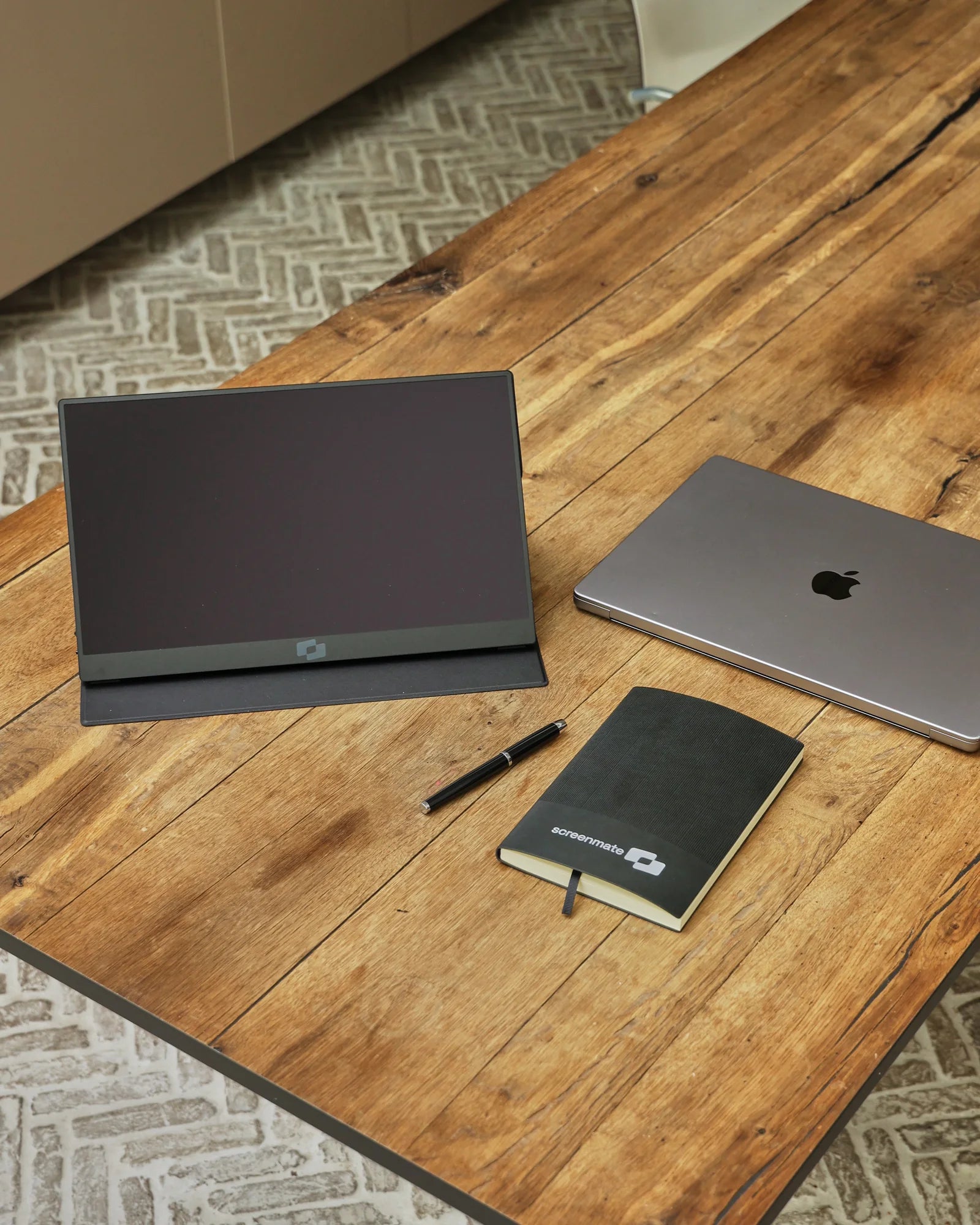
Connect
Use the included USB-C cable if your laptop port provides both video and sufficient power. Otherwise, use HDMI for video and USB-A for power. A driver or separate account is not required.

This photo could not be loaded. Please try again.
Image 1 of 6
Portable monitor · Full HD at 144 Hz
More clarity for your work, smoother visuals with every movement. The Lite 144 Hz combines a bright 15.6-inch Full HD screen with a higher refresh rate for scrolling, video, and games.
★★★★★4,8/5231 reviewsFree shipping · 50-day return policy
Two connection options. No driver needed.
One USB-C cable for video and power. Your laptop port must support video via DisplayPort Alt Mode or Thunderbolt and supply sufficient power.
Connect HDMI for the video and USB-A for power. You use both cables simultaneously: HDMI alone is not sufficient.
The necessary connection cables are included.
Not every USB-C port outputs video. Check your laptop's specifications for video support via USB-C, DisplayPort Alt Mode, or Thunderbolt. Unsure? Send us your laptop model and, if possible, a photo of the ports. We are happy to help.
Ask us to take a lookComplete your workspace with a bundle deal.
Please enter your email address. Our support team will contact you as soon as this screen is available again.
★★★★★I should have bought this sooner. Connected in no time, very simple. No fuss, it just works. Nice bright and clear screen. Weighs almost nothing, great for on the go. Connected in no time, no hassle.
Mariska P. Verified purchase
★★★★★Honestly, the picture quality is excellent. Just a beautifully designed screen. Clear image, even in a bright room.
Mark V. Verified purchase
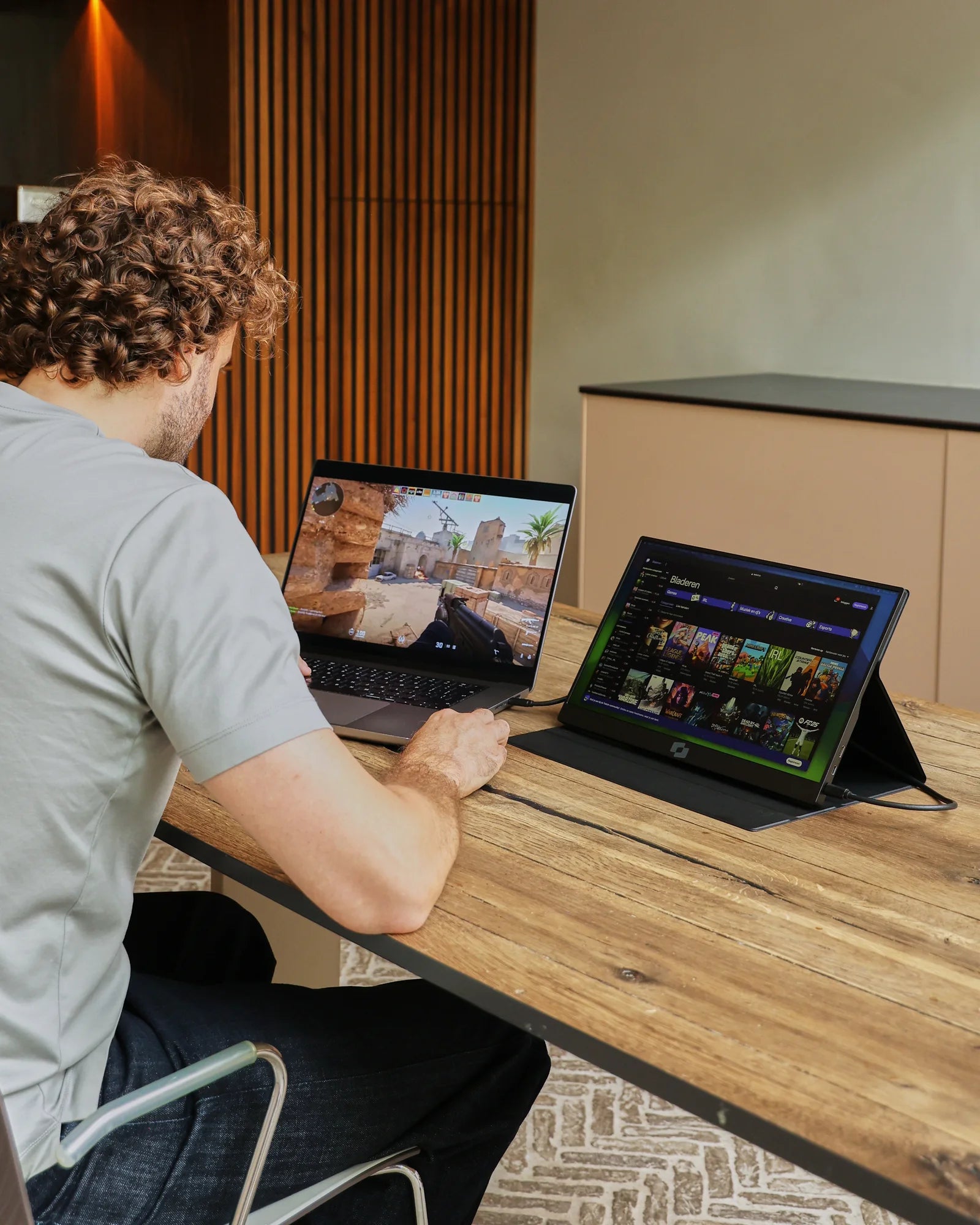
Designed for flexible work
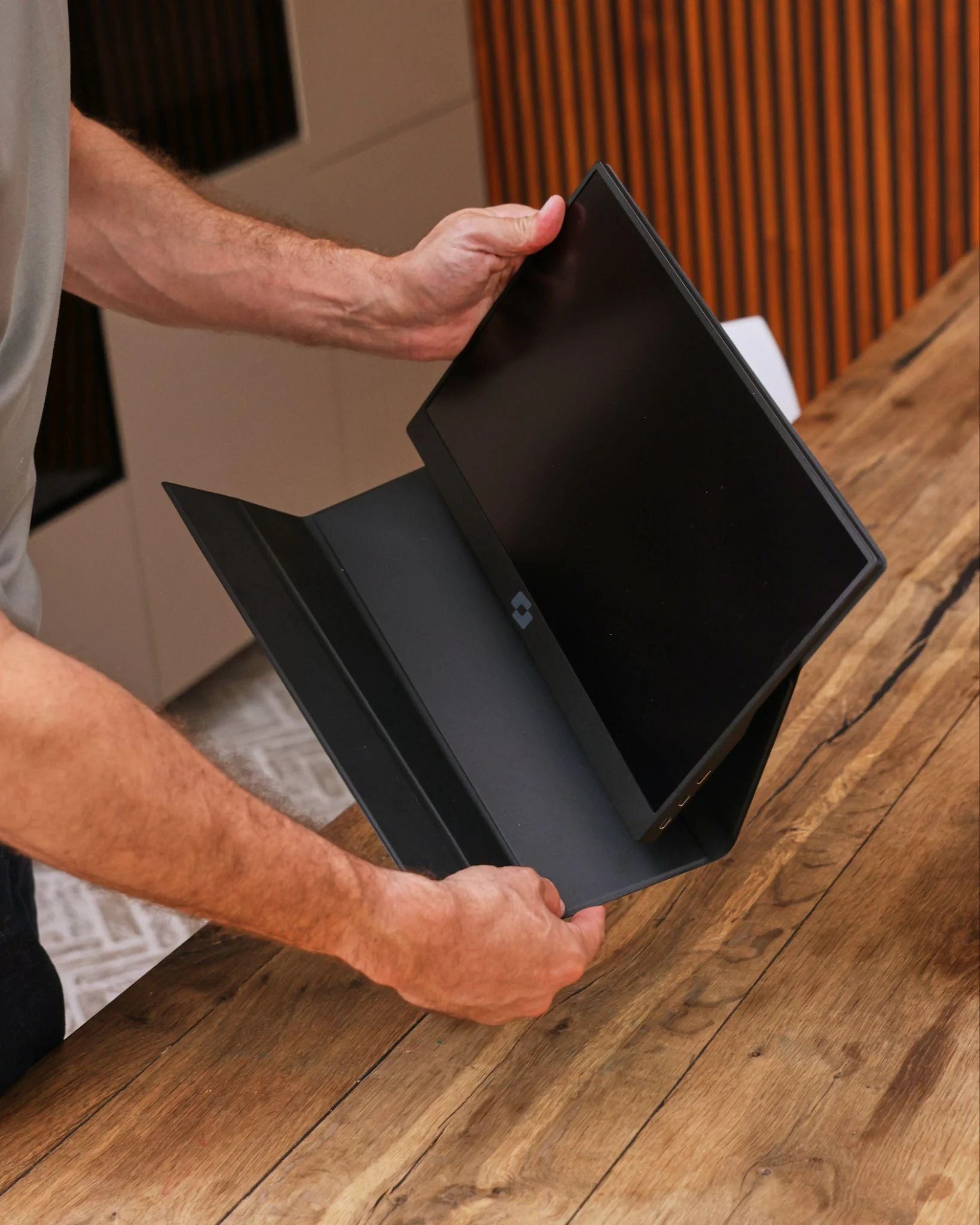
The included case protects the screen when you're on the go and doubles as a practical stand at your workspace. If you want to set up the Lite in a fixed position, the VESA mount gives you that flexibility.
Made for on the go
An extra 15.6-inch screen for your workday, without a heavy bag. The Lite 144 Hz weighs 609 grams and is 11 millimeters thick. The protective case travels with you and serves as an instant stand on location.

The Lite 144 Hz in detail
Use the included USB-C cable if your laptop port provides both video and sufficient power. Otherwise, use HDMI for video and USB-A for power. A driver or separate account is not required.
Fold the protective cover into a sturdy stand and choose a viewing angle that works best for you. In just a few seconds, any table can be transformed into a comfortable workspace.
Distribute your windows across both screens and select 144 Hz in your laptop's display settings where supported. This way, you combine better clarity with smoother movements.
Screenmate Lite 144Hz 15.6″
Customer reviews of the Screenmate Lite 144 Hz
Questions Before Purchasing
Not sure about your connection, laptop model, or preferred setup? Screenmate's Dutch support team will work with you to find the right solution before you place your order.
Discuss your situation with Screenmate →You have two options: USB-C with video support and sufficient power, or HDMI for video in combination with USB-A for power. A USB-C port that can only charge or transfer data does not transmit video. Check your laptop's specifications or send us your exact laptop model; we are happy to help you.
After connecting, open your laptop's display settings, select Screenmate, and choose 144 Hz if that option is available. Your laptop, cable, and connection used must support Full HD at 144 Hz. The monitor does not require a DisplayLink driver and is not a touchscreen.
Yes, via a USB-C/Thunderbolt port that can output video. The maximum number of external displays varies by MacBook model and chip. Check your MacBook's specifications for this, or send us your model name and the displays you want to connect.
You receive the Screenmate Lite 144 Hz, the protective case that also serves as a stand, the necessary connection cables, and a Dutch manual.
Yes. You have a 50-day cooling-off period to assess at home whether the Screenmate Lite 144 Hz suits your way of working. You can find the current terms and conditions in Screenmate's return policy.