


Connect
Use the included USB-C cable if your laptop port provides both video and sufficient power. Otherwise, use HDMI for video and USB-A for power. A driver or separate account is not required.

This photo could not be loaded. Please try again.
Image 1 of 6
Portable monitor · OLED
See your work down to the smallest detail. The One 4K OLED combines 3456 × 2160 pixels with deep blacks and powerful contrast in a 16-inch monitor that’s easy to take with you.
★★★★★4,9/5272 reviewsFree shipping · 50-day return policy
Two connection options. No driver needed.
One USB-C cable for video and power. Your laptop port must support video via DisplayPort Alt Mode or Thunderbolt and supply sufficient power.
Connect HDMI for the video and USB-A for power. You use both cables simultaneously: HDMI alone is not sufficient.
The necessary connection cables are included.
Not every USB-C port outputs video. Check your laptop's specifications for video support via USB-C, DisplayPort Alt Mode, or Thunderbolt. Unsure? Send us your laptop model and, if possible, a photo of the ports. We are happy to help.
Ask us to take a lookComplete your workspace with a bundle deal.
Please enter your email address. Our support team will contact you as soon as this screen is available again.
★★★★★“So far, so good. The sharpness is impeccable. The case protects it nicely from scratches. No power outlet needed—just my laptop. Nothing but praise.”
Maud D.Verified Purchase
★★★★★“Great purchase. Beautiful, rich colors and strong contrast. Good screen, solidly built. Easy to carry around. I like it even more than I expected. Worth five stars.”
Daan K.Verified Purchase

Designed for flexible work
Unfold the built-in stand and choose a comfortable viewing angle. Finished working? Fold it back up and slide the monitor into the included protective sleeve. This keeps your workspace flexible without having to carry a separate stand.
Made for on the go
A 16-inch OLED screen with 3456 × 2160 pixels, in a design weighing 860 grams. With a folded thickness of 13 millimeters and an included protective case, you can easily take your extra workspace with you to your next workspace.
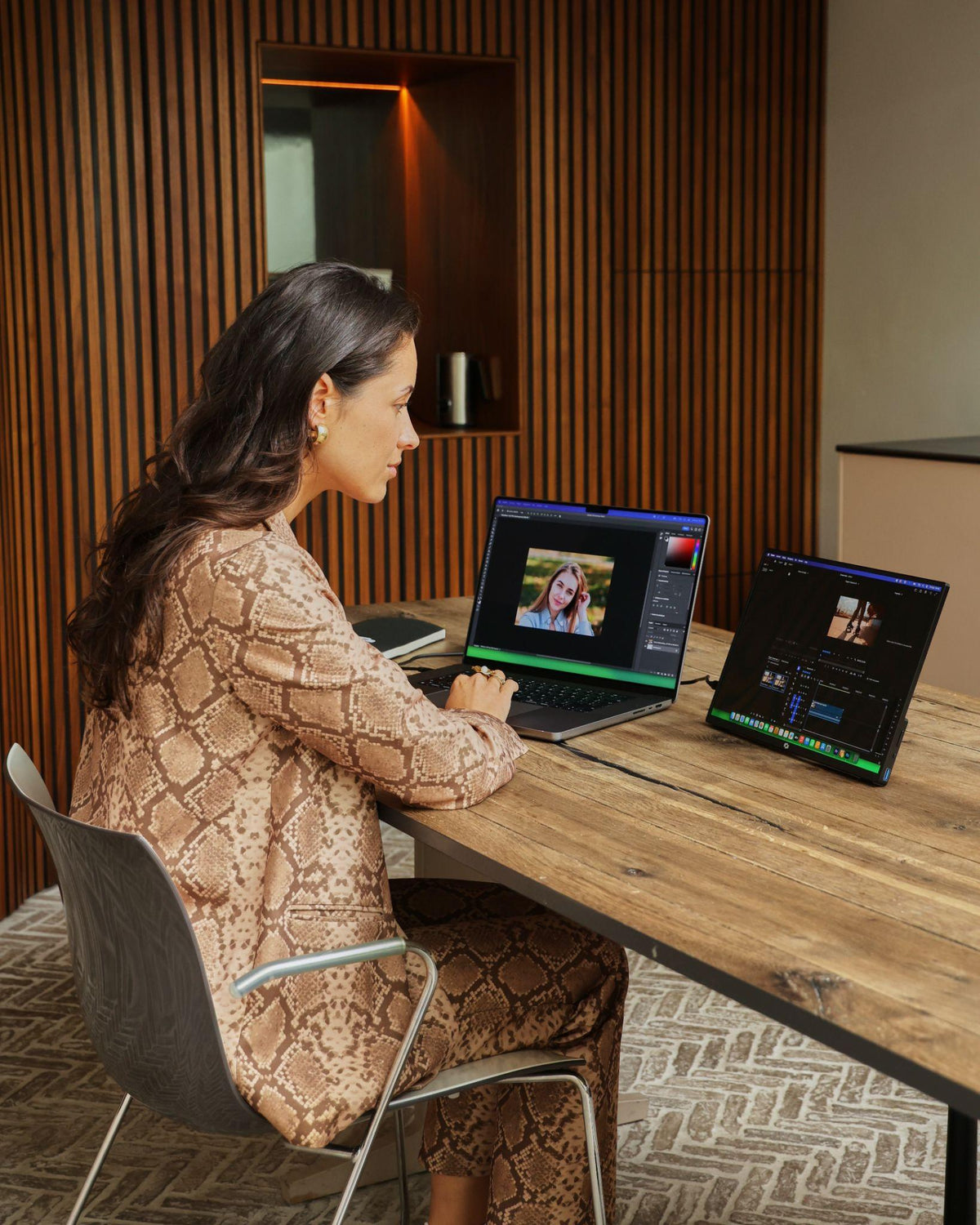
The One 4K OLED in Detail
Use the included USB-C cable if your laptop port provides both video and sufficient power. Otherwise, use HDMI for video and USB-A for power. A driver or separate account is not required.
Unfold the built-in stand and adjust it to a comfortable viewing angle. The monitor stands on its own on the table; you can store the separate protective cover until you’re ready to leave.
Keep your source file on your laptop and view your work on the crisp OLED screen. Adjust the text and window sizes to whatever is comfortable for you to read.

Screenmate One 4K OLED 16-inch
Customer Reviews of the Screenmate One 4K OLED
Questions Before Purchasing
Not sure about your connection, laptop model, or preferred setup? Screenmate's Dutch support team will work with you to find the right solution before you place your order.
Discuss your situation with Screenmate →You can connect via USB-C, which supports video and provides sufficient power, or via HDMI for video plus USB-A for power. To achieve the full 3456 × 2160 resolution, your laptop and the connection you’re using must also support that resolution. A USB-C port designed only for charging or data transfer will not transmit video. Not sure? Send us your laptop model.
No. The Screenmate One 4K OLED does not require a DisplayLink driver. However, your laptop must be able to output a compatible video signal via USB-C or HDMI.
Yes, via a USB-C/Thunderbolt port that can output video. The maximum number of external displays varies by MacBook model and chip. Check your MacBook's specifications for this, or send us your model name and the displays you want to connect.
You'll receive the Screenmate One 4K OLED with a built-in stand, a separate protective case, the necessary connection cables, and a Dutch user manual. The protective case is not included as standard with this model.
Yes. You have 50 days to decide at home whether the Screenmate One 4K OLED fits your work style. You can find the current terms and conditions in Screenmate's return policy.

