Portable monitor · no driver required

Screenmate Lite 15.6″

Work with two monitors, even when you're away from the office. No driver required and just one cable, provided your laptop supports video output via USB-C.

4.8/5264 reviews

Free shipping · 50-day return policy

  • Better organization, every workday. Keep an eye on documents and video calls while you continue working on your laptop.
  • A crisp display for serious work. Full HD IPS, 99% sRGB, and 350 cd/m² for clear text, spreadsheets, and presentations.
  • Easy to connect, no driver required. Just one USB-C cable if your laptop supports video output via USB-C, or HDMI with USB-A as an alternative.
  • Easy to carry, every day. Weighing just 609 grams and equipped with a protective case, the Lite easily goes from your desk to your bag.

How do I connect my Screenmate®?

Two connection options. No driver needed.

  • USB-C

    1 cable

    One USB-C cable for video and power. Your laptop port must support video via DisplayPort Alt Mode or Thunderbolt and supply sufficient power.

  • HDMI + USB-A

    2 cables

    Connect HDMI for the video and USB-A for power. You use both cables simultaneously: HDMI alone is not sufficient.

The necessary connection cables are included.

Are you unsure about your connection?

Not every USB-C port outputs video. Check your laptop's specifications for video support via USB-C, DisplayPort Alt Mode, or Thunderbolt. Unsure? Send us your laptop model and, if possible, a photo of the ports. We are happy to help.

Ask us to take a look
In stockCheck the current delivery time in your shopping cart
  • 50 dayscooling-off period
  • 2 yearswarranty
  • Customer ServiceAvailable 7 days a week
Customer Reviews4.8/5From 264 Lite reviewsView all reviewsSelected, genuine customer reviews
★★★★★

“Exactly what I needed. I use it mainly for video calls. The clear instructions got me up and running right away.”

AnneVerified Purchase
★★★★★

“I’m really happy with this. The included protective case is very practical. The display looks really great. The screen is bright and clear, even in sunlight. Thanks, Screenmate.”

Coen V.Verified Purchase
Here's how it works in practice

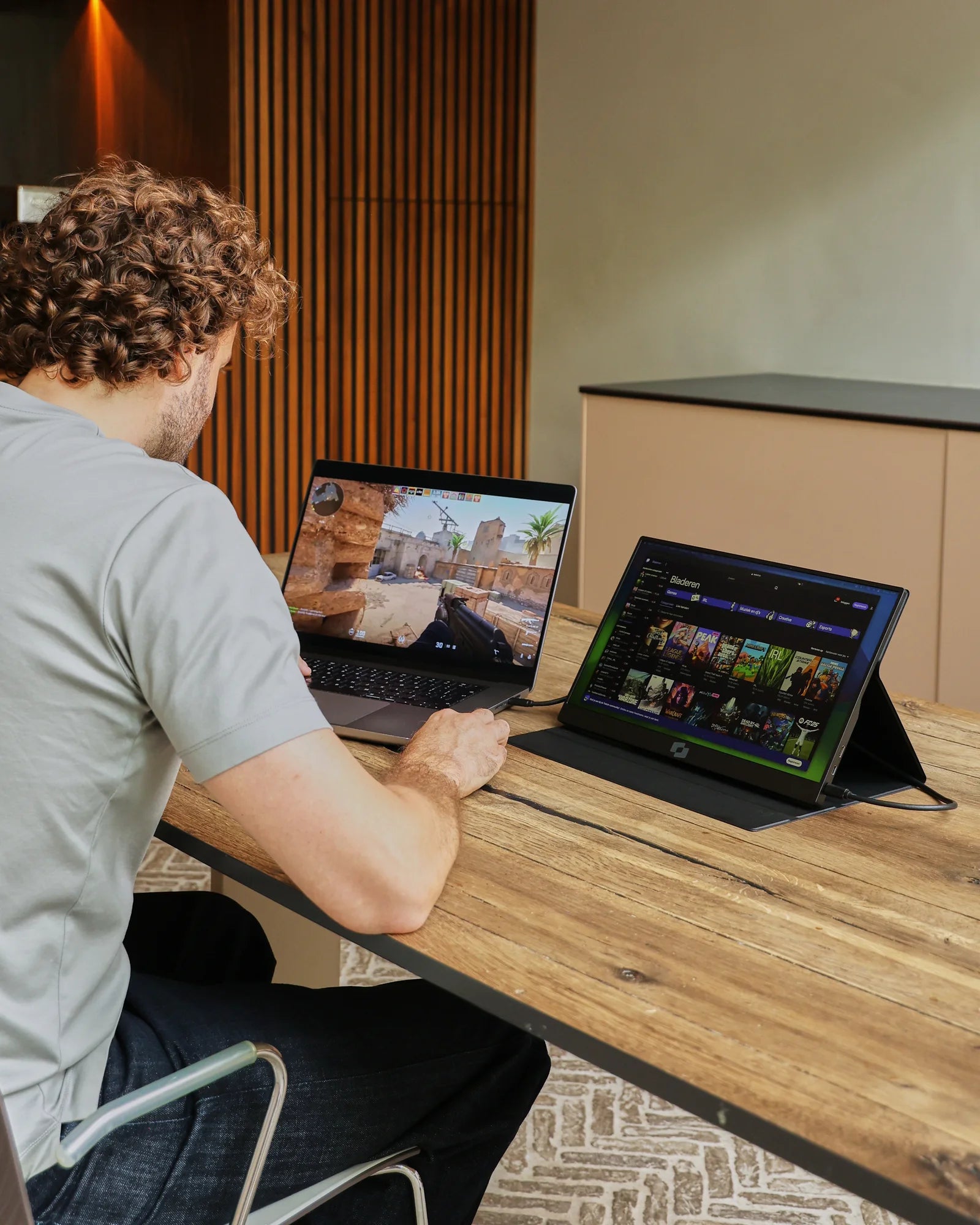
Keep your schedule, video call, or resource open in Lite while you continue working on your laptop. This way, you’ll maintain a clear overview, switch between windows less often, and stay focused on the task at hand.

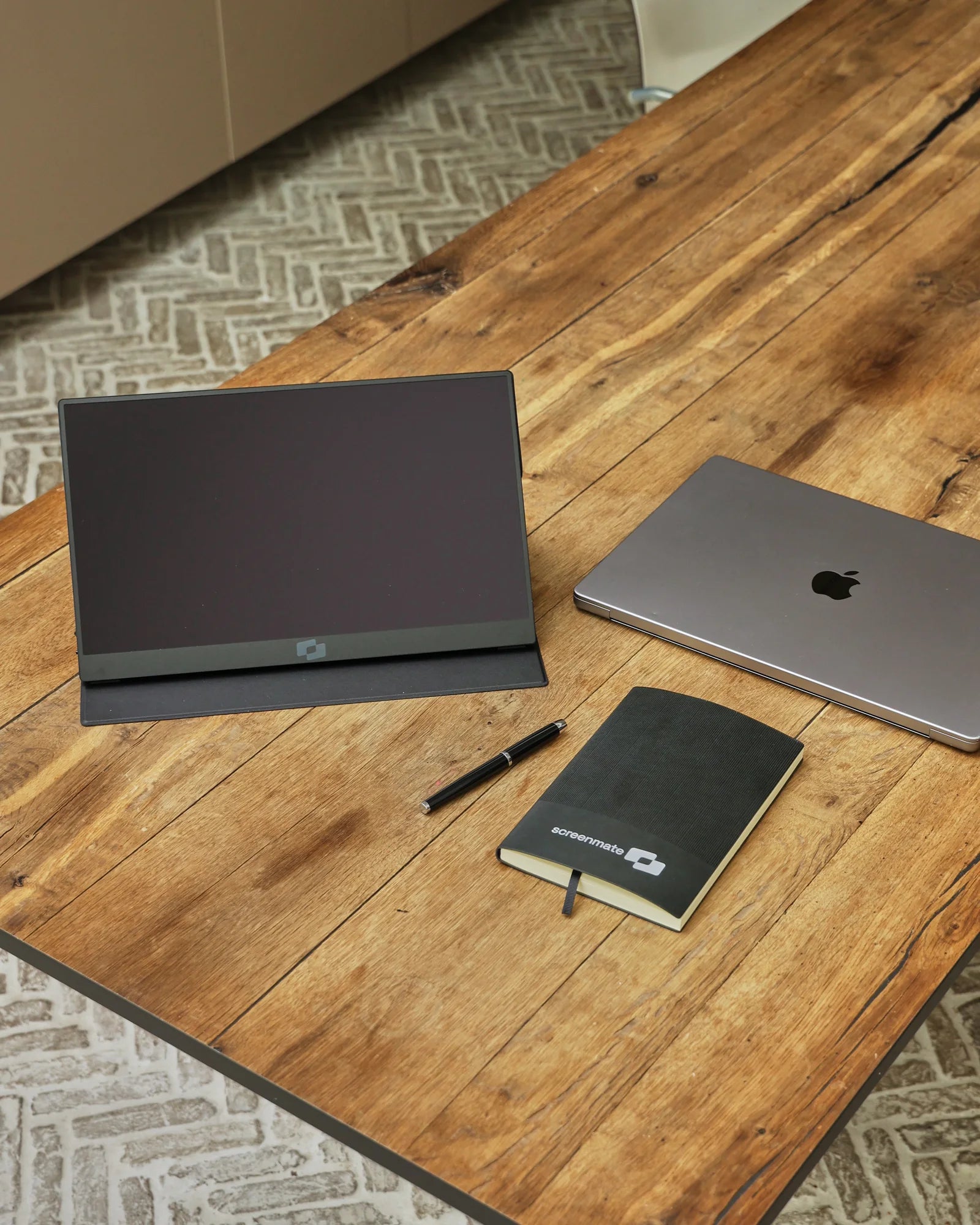
Screenmate Lite, MacBook, and notebook on the table

Designed for flexible work

Fits snugly on the table. Protected in your bag.

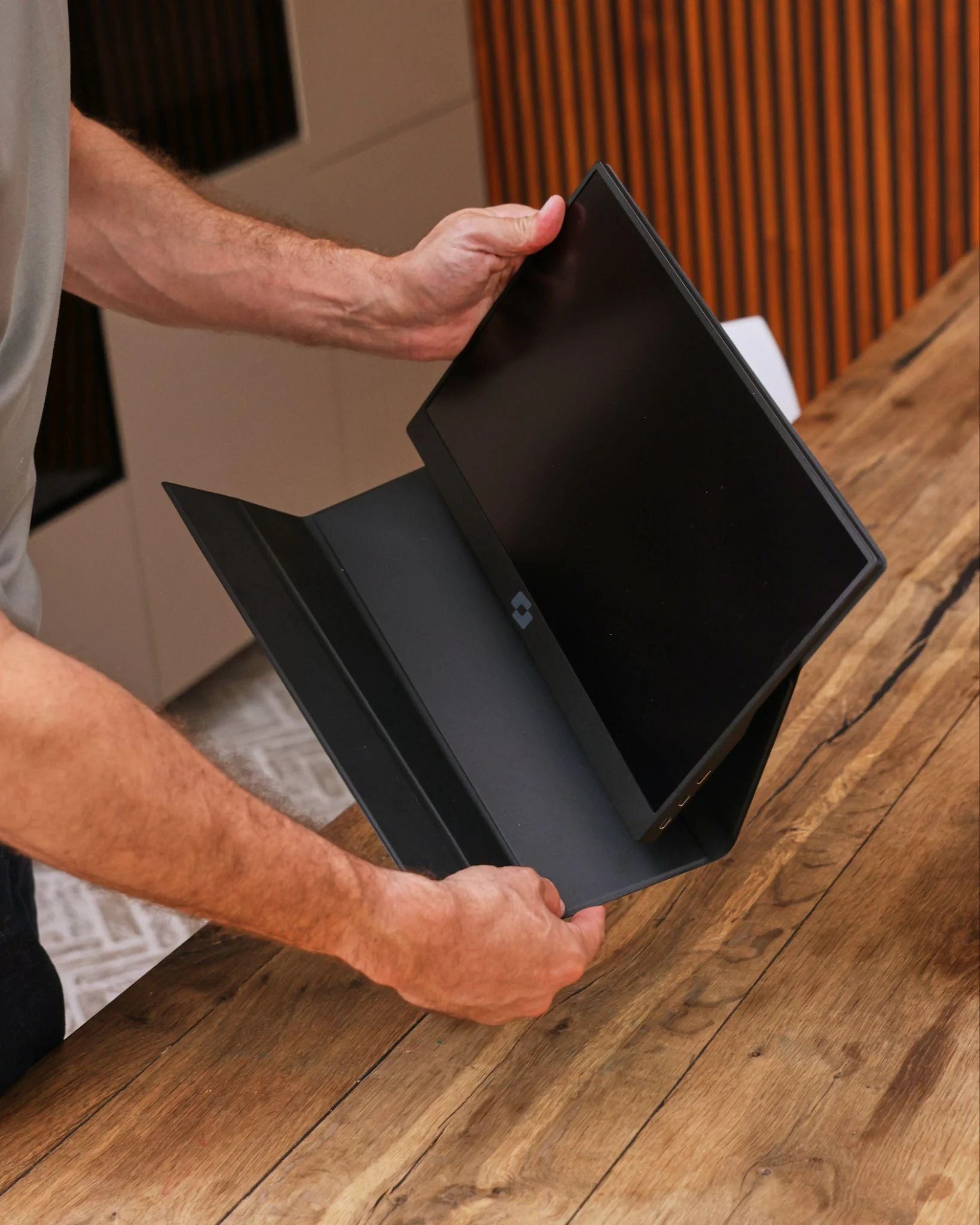
The included case protects the screen when you're on the go and doubles as a practical stand at your workspace. If you want to set up the Lite in a fixed position, the VESA mount gives you that flexibility.

  • Protective case and stand in one
  • Multiple comfortable viewing angles
  • VESA support for a fixed setup
  • Weighs just 609 grams, so it's easy to carry

Made for on the go

Big on functionality.Small enough to fit in your bag.

The 15.6-inch screen feels familiar next to your laptop and offers plenty of space for documents, dashboards, and meetings. Yet, weighing just 609 grams and measuring 11 millimeters thick, the Lite remains practical for carrying around every day.

15.6" full-sizeworkspace609 fits easilyin your bag11 mm thick
Professional is working on her laptop with the Screenmate Lite next to it
3D Product View

The Lite in Detail

Everything you want to know, clearly laid out.

Designed for sharp images, easy connection, and everyday portability.
Screen
15.6-inch IPS LCD · 16:9
Resolution
1920 × 1080 Full HD
Color & Brightness
99% sRGB · 350 cd/m²
Refresh & Response
60 Hz · 10 ms
Connect
USB-C for video + power or HDMI for video + USB-A for power
Dimensions
35.4 × 22.1 × 1.1 cm
Weight
609 grams
Assembly
VESA Support
01

Connect

Use the included USB-C cable if your laptop port provides both video and sufficient power. Otherwise, use HDMI for video and USB-A for power. A driver or separate account is not required.

02

Put down

Fold the protective cover into a sturdy stand and choose a viewing angle that works best for you. In just a few seconds, any table can be transformed into a comfortable workspace.

03

Continuing to Work

Put your meeting, schedule, or source on the second screen and continue working on your laptop. Opening and closing fewer windows means more peace of mind and a clearer overview.

A man is holding the Screenmate Lite under his arm

Screenmate Lite 15.6″

Get a better overview starting on your next workday.

Get started right away without a driver—at home, at the office, or on the go.4.8/5 · reviews
for €114 in stock · free shipping

Customer Reviews of the Screenmate Lite

Other users' experiences.

Customer Reviews

Overall rating: 4.8 / 5 based on 264 reviews.

Nice brightness, easy on the eyes. I mainly use it for video calls.

Lite

Great product. Setting it up was a breeze. The picture quality is really great. I use it mainly at the office.

Lite

I recently got a sturdy, beautifully finished screen. I don't regret it at all.

Lite

The picture quality is just good. Nice, sleek design. And with the clear manual, you're up and running in no time.

Lite

Connected right away, no hassle.

Lite

A stylish design on my desk. The colors go together beautifully.

Lite

Good picture quality. A nice, sturdy screen with a beautiful picture. Setting it up was a breeze, really.

Lite

It looks really nice. Great customer service; they helped me out nicely. I don't regret it.

Lite

So far, the screen has stayed safe in the case while on the go. Great picture quality. It's a reliable device that never glitches, by the way.

Lite

A nice, bright, and clear screen. A sleek, stylish design. Delivered lightning-fast. The colors look great.

Lite

It's so light that I take it with me everywhere. It connects so easily—it's really simple. I use it every day as a second screen next to my laptop. The manual was clear, and I had it up and running right away, by the way.

Lite

It's a reliable device that never lets me down. The screen feels high-end. It far exceeds my expectations. I mainly use it on the train.

Lite

I'm happy with this purchase. It works just as promised.

Lite

The colors look great. A great, solid screen.

Lite

Pretty satisfied! The screen is nice and bright. It's great that a protective case is included. Highly recommended. Excellent customer service—they definitely respond quickly.

Lite

Connecting it yourself is really simple. The design is just neat.

Lite

Top-notch product. Great image quality. Super lightweight yet sturdy. Works just as promised.

Lite

What great picture quality. Excellent brightness—easy on the eyes. It’s worked flawlessly from day one.

Lite

After a few weeks, I've found the screen to be pleasantly sturdy with a beautiful display. Great customer support—I got a quick response.

Lite

I'm incredibly happy with this. It has a sleek and modern design. It's incredibly lightweight, which makes it perfect for traveling.

Lite

After a few weeks, the design looks high-end. It's bright enough to use outdoors, though.

Lite

After a few weeks, the screen looks high-quality. The image is nice and clear, even in daylight. Nothing but praise. The order was definitely delivered quickly.

Lite

The statue just looks beautiful. By the way, customer service responded quickly and was very friendly.

Lite

Honestly, I'm really happy with it. The case keeps the screen scratch-free in my bag. It's surprisingly lightweight. The colors look great.

Lite

The sleeve fits the screen perfectly. The screen is nice and bright, even in sunlight. I use it every day on the train. I'm very satisfied.

Lite

You get a lot of value for your money here.

Lite

I'm really happy with this. A sturdy screen with a nice finish. The sleeve is practical—it saves me from having to buy one separately. It was delivered quickly and was neatly packaged.

Lite

It's actually nice and light to carry around, by the way.

Lite

Perfect for me. Comes with a handy protective case. Great customer service; I got a quick response.

Lite

After a few weeks, it's working just as promised. The screen has a nice finish—it doesn't look cheap at all. Shipping was super fast. I'm really happy with it.

Lite

Honestly, what a clear picture. Great image quality. Great customer service—they helped me right away.

Lite

Works just as promised. The manual is clear and really comprehensive.

Lite

Very satisfied! Works just as promised. It's great that the cover comes included as standard. I'd definitely buy it again.

Lite

Super lightweight yet sturdy. The manual was clear; I was up and running right away. Great color reproduction on this screen.

Lite

The design is definitely nice. I'd buy it again in a heartbeat.

Lite

Easy to connect. With the case, I can safely take it with me anywhere. I mainly use it when I'm traveling.

Lite

Just plug it in, and the picture appears. The brightness is perfect for outdoors. The picture is crisp—I really enjoy that. Great customer support; they helped me right away. I always bring it along for video calls.

Lite

Its light weight makes traveling easy. It's just a screen that always works. Super easy to use. I'm really happy with it so far.

Lite

A beautiful and sturdy screen. Works just as promised. Nice, sleek design. Great support when I had a question. Really easy to use.

Lite

The screen is now nicely finished—it doesn't look cheap at all. The design is really nice. I mainly use it on the weekends as a secondary device.

Lite

Questions Before Purchasing

Be sure to order the right monitor.

Not sure about your connection, laptop model, or preferred setup? Screenmate's Dutch support team will work with you to find the right solution before you place your order.

Discuss your situation with Screenmate →
What ports does my laptop need?+

You have two options: USB-C with video support and sufficient power, or HDMI for video in combination with USB-A for power. A USB-C port that can only charge or transfer data does not transmit video. Check your laptop's specifications or send us your exact laptop model; we are happy to help you.

Do I need a driver?+

No. The Screenmate Lite does not require a DisplayLink driver. However, your laptop must be able to output a compatible video signal via USB-C or HDMI.

Can I use it with a MacBook? +

Yes, via a USB-C/Thunderbolt port that can output video. The maximum number of external displays varies by MacBook model and chip. Check your MacBook's specifications for this, or send us your model name and the displays you want to connect.

What's in the box?+

You'll receive the Screenmate Lite, the protective case that also serves as a stand, the necessary connection cables, and a Dutch user manual. That way, you can get started right away.

Can I return the monitor?+

Yes. You have a 50-day trial period to decide at home whether the Screenmate Lite fits your work style. You can find the current terms and conditions in Screenmate's return policy.

Screenmate Litefor €114 · In stock